One email can freeze your Node.js parser for seconds
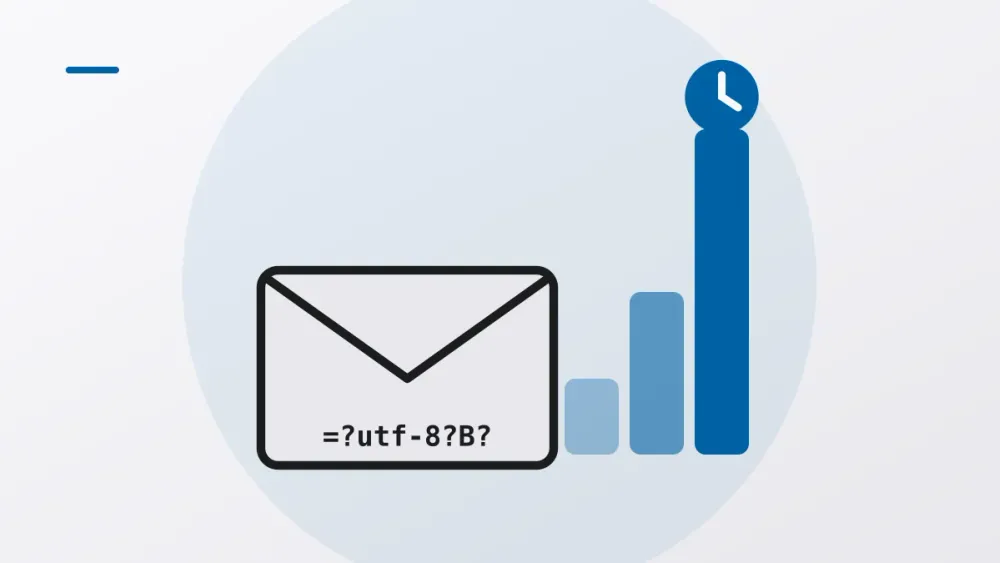
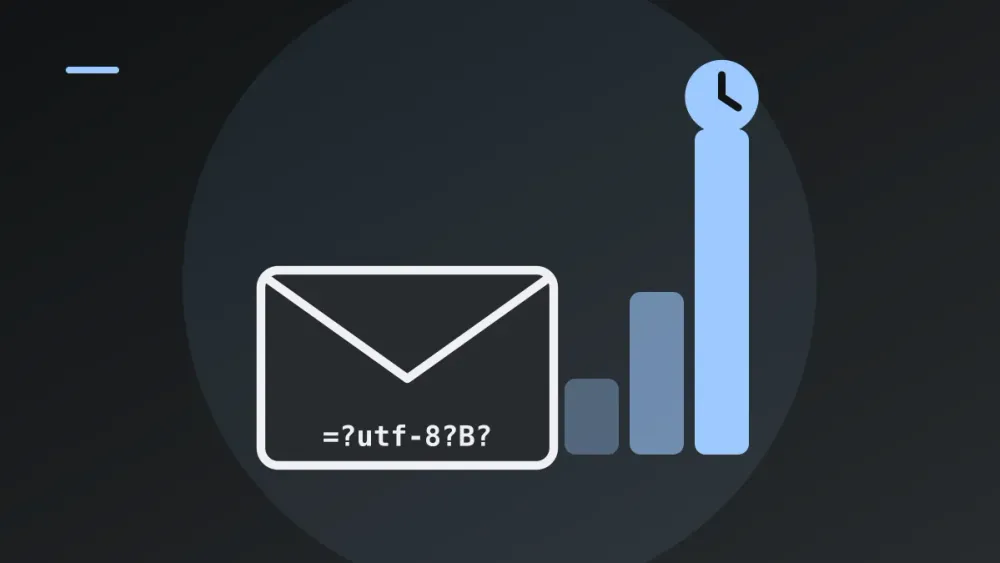
Say you run a mail-to-ticket bridge. Someone emails support, a Node.js service parses the message, a ticket shows up. Nobody has touched it in a year. Then a perfectly valid email of about 1.6 MB arrives and the service goes quiet for somewhere between one and twenty seconds. It doesn’t crash or log an error. It just stops answering.
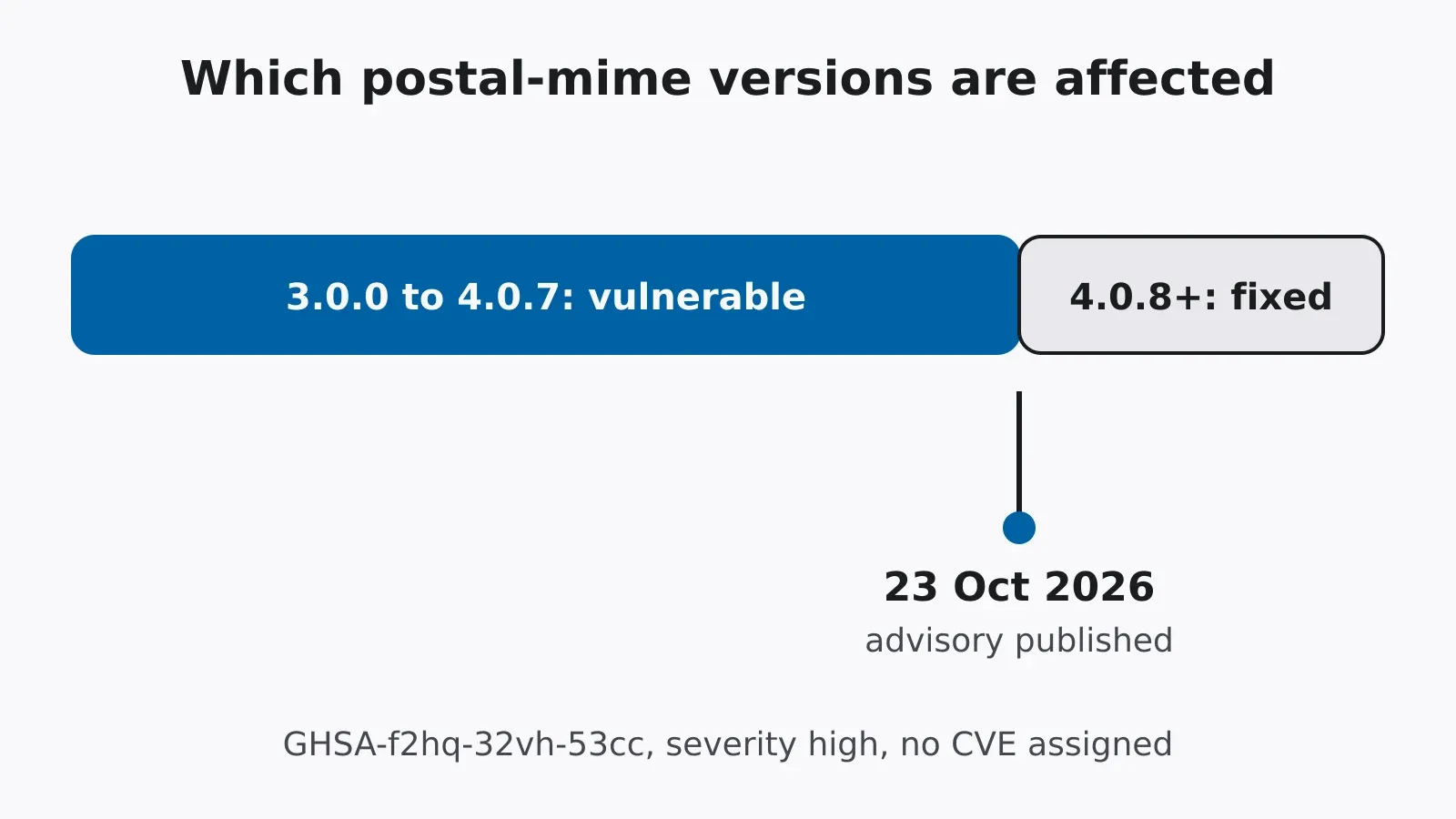
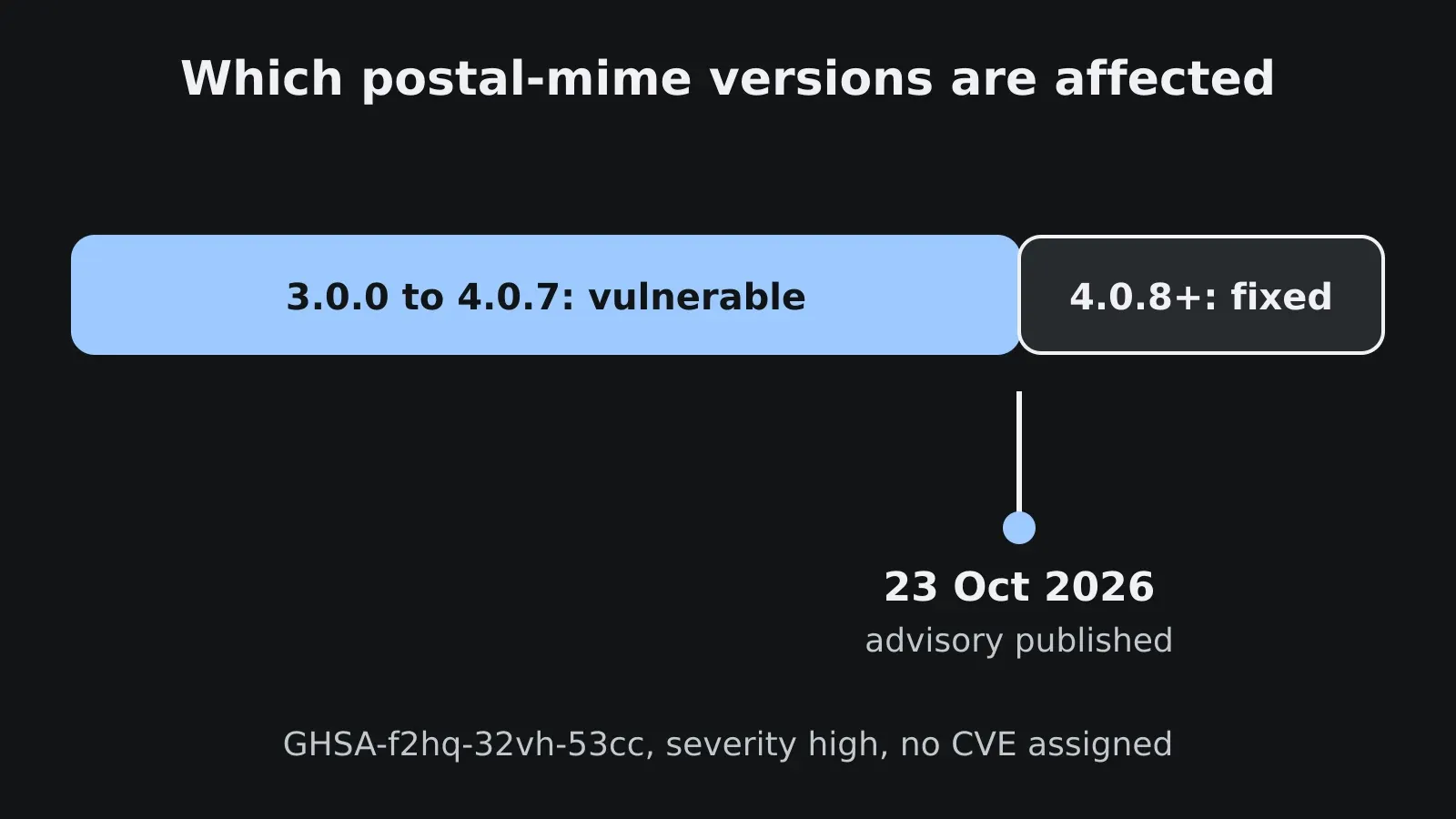
That’s GHSA-f2hq-32vh-53cc, which GitHub published on 23 October 2026 against postal-mime, an email parser for JavaScript [1]. Versions 3.0.0 up to (not including) 4.0.8 are affected, and GitHub rates it high severity. No CVE had been assigned when this was written.
I think it’s worth a closer look because linters almost never catch this kind of bug and reviewers tend to wave it through. It isn’t catastrophic backtracking. It’s accumulated work: a cheap operation, run over a growing input, once per element. The arithmetic is the fun part.
Encoded words
Email headers started out ASCII-only. To get other characters into a Subject or a filename, RFC 2047 [2] added the encoded word:
=?charset?encoding?encoded-text?=
charset says how to read the bytes, encoding is B for Base64 or Q for a quoted-printable variant, and encoded-text is the payload. =?utf-8?B?QUJD?= decodes to ABC.
A long header can be split into several encoded words with only whitespace between them, and that whitespace is ignored on display. One UTF-8 character can even be cut in half across two words. So a parser that wants correct output has to join neighbouring words that share a charset and encoding before decoding them. Otherwise it decodes half a character twice and you get garbage.
A loop that keeps re-reading itself
According to the advisory, the join check ran a regular expression over everything joined so far, once per new word [1]. Each call is cheap and linear in what it scans. But what it scans keeps growing.
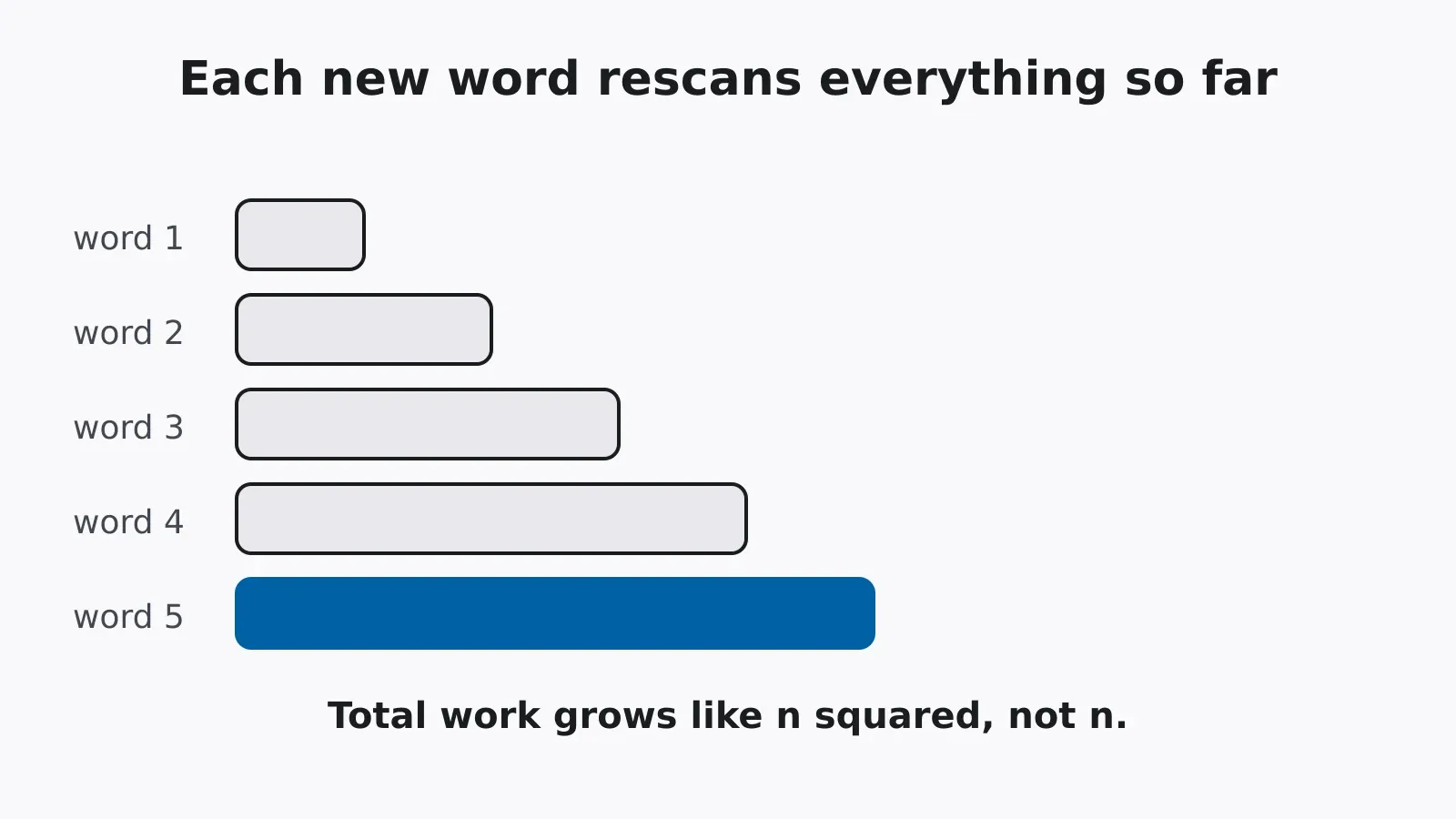
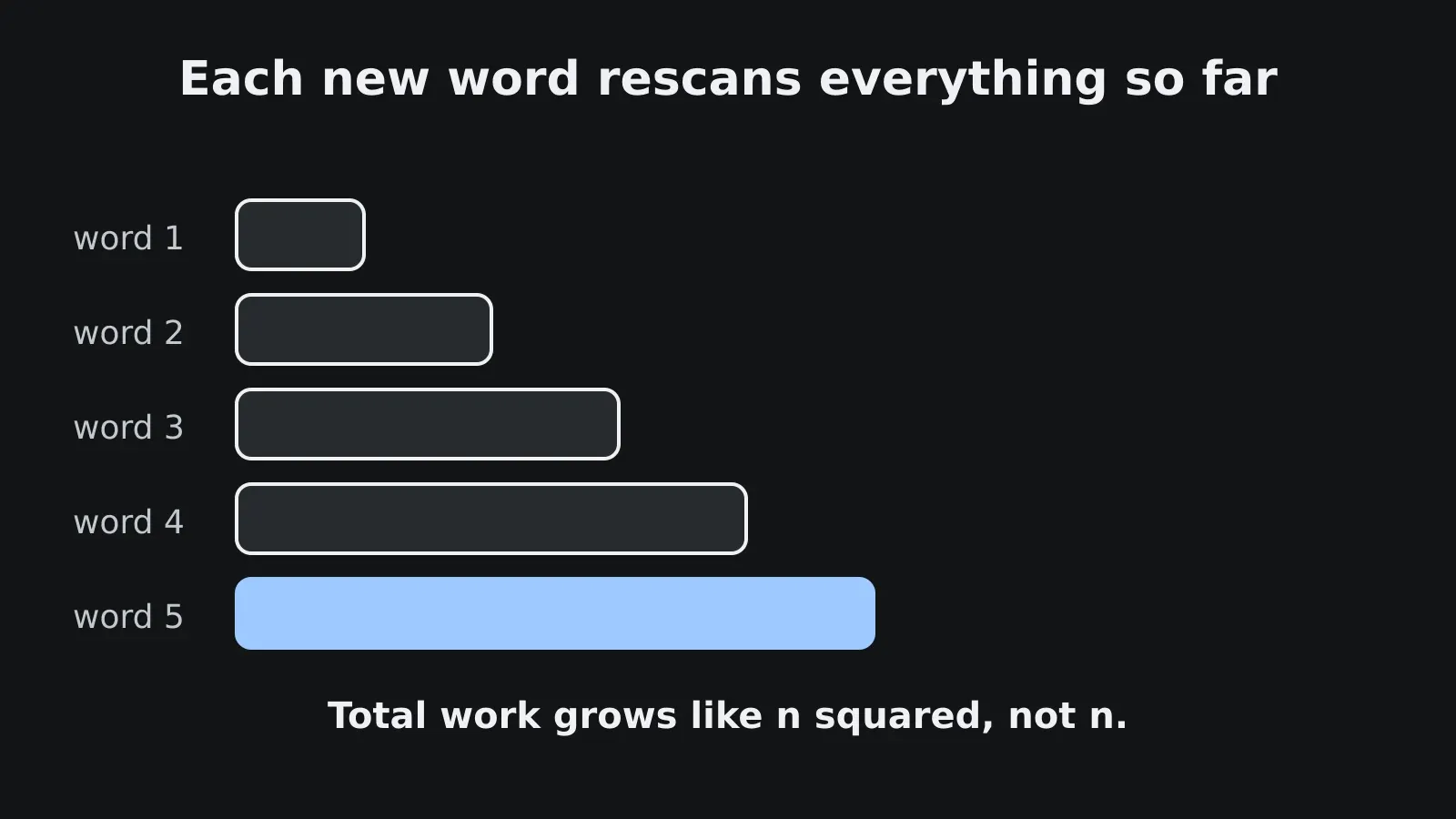
Call the word length L and the number of words n. Word k makes the code scan about k·L characters, so in total:
L · (1 + 2 + 3 + ... + n) = L · n(n + 1) / 2 ≈ L · n² / 2
The word =?utf-8?B?QUJD?= is 16 characters, so a 1.6 MB header holds 100,000 of them:
| Words | Header size | Characters scanned (≈ 8 · n²) |
|---|---|---|
| 10,000 | 160 kB | 8 × 10⁸ |
| 50,000 | 800 kB | 2 × 10¹⁰ |
| 100,000 | 1.6 MB | 8 × 10¹⁰ |
Ten times the input, a hundred times the work. No single call is slow. The curve is the bug.
V8 makes it worse, and the advisory explains how. Repeated += doesn’t build a flat string but a rope, a tree of string pieces. Running a regex over a rope forces V8 to flatten it into one buffer first. So every round also pays for a full copy of the accumulator, and the next += builds a new rope on top of the flat string, which means the flattening starts all over again. Inline message/rfc822 parts carry their own headers, so messages nested inside messages stack the cost.
This isn’t ReDoS in the textbook sense, by the way. (a+)+$ is dangerous because one call backtracks exponentially. Here every call is linear and the loop is still quadratic. That also means switching to a linear-time engine like RE2 wouldn’t have helped. The regex was never slow; the loop around it was.
The same shape in Python
This is the vulnerable shape, simplified. It isn’t the library’s real code:
import re, time

word = "=?utf-8?B?QUJD?="

def quadratic(n):
    joined = ""
    for _ in range(n):
        # a check over everything accumulated so far, per new word
        re.search(r"\?=\s*$", joined)
        joined += word
    return joined

def linear(n):
    parts = []
    for _ in range(n):
        parts.append(word)      # O(1) per word
    return "".join(parts)       # one pass at the end

for n in (5_000, 10_000, 20_000):
    t = time.perf_counter(); quadratic(n)
    print(n, round(time.perf_counter() - t, 3), "s")
Ignore the absolute times; look at the ratio. Double n. Linear code takes about twice as long, quadratic code about four times as long. That doubling test is the cheapest regression test I know for this whole class of bug, and you don’t need to understand a parser’s internals to run it.
One email, whole process
Node runs your JavaScript on one thread. A parser stuck in a loop for ten seconds doesn’t slow one request; it freezes every request, timer and connection in that process. That includes the health check, which your orchestrator may take as a reason to restart the instance.
If you parse inbound mail at all (a support inbox, a webhook receiver, anything that eats .eml files), a stranger with no account can send one valid email and stall your service for seconds. Send a few and it’s an outage. That’s very cheap for the attacker.
Fixing it
The fix is the linear function above, more or less. Decide whether to join by looking at a small fixed window (the end of the previous word, the start of the next) instead of the whole accumulator, and collect the pieces in a list you join once at the end. Each word then costs constant time and the total is linear.
If you use postal-mime 3.0.0 to 4.0.7, upgrade to 4.0.8 or later and check your lockfile for transitive copies. Scanners that read GitHub advisories or OSV will flag the vulnerable versions.
If you parse mail or anything header-like yourself:
- Cap the total message size, the header block size and the number of encoded words per header before decoding. No honest subject line needs 40,000 encoded words.
- Cap MIME nesting depth for
message/rfc822and multipart parts. - Don’t run a regex over an ever-growing accumulator inside a loop. Test the new piece, or a fixed-size tail.
- Parse untrusted mail in a worker, subprocess or queue with a CPU time limit, so one bad message can’t stall the main loop.
- Add the doubling test to your suite: tens of thousands of repeated encoded words, and an assertion that doubling the input doesn’t quadruple the time.
And if you just want to see what an encoded word says, paste its Base64 part into the Base64 encoder and decoder. B encoding is plain Base64, so the UTF-8 text comes straight out.
OWASP’s ReDoS page [3] covers the backtracking version of this bug. The habit that guards against both is the same: assume the attacker picks the size and shape of your input, and budget work per byte of input, not per call. Whenever a format allows unbounded repetition, put a number on it.
Try it yourself
Base64 encoder and decoder
Encode text to Base64 or decode Base64 back to text, with standard and URL-safe alphabets.
Open the tool